At the beginning of the branding project, each member of my group was responsible for delivering his ideas for the potential logo design for our client. After reviewing the propositions and asking for the feedback, the team managed to decide on the particular idea and explore it further. This were my design ideas and the iterations. The designs were supposed to contain Nathalie's name and some kind of blossom visible on the logo.
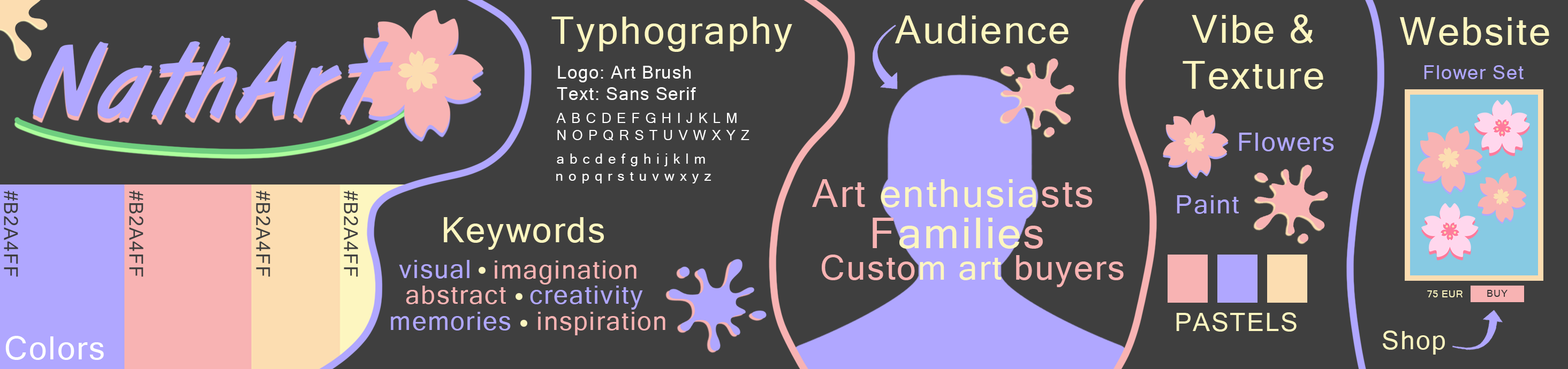
In order to get an idea about the brands identity and design, it was essential to make several stylescapes throughout the process. After each iteration, I have received feedback from the client and also from my colleagues. These recommendations allowed me to improve the design and its crucial elements. The stylescapes that I made during the project are showed below.


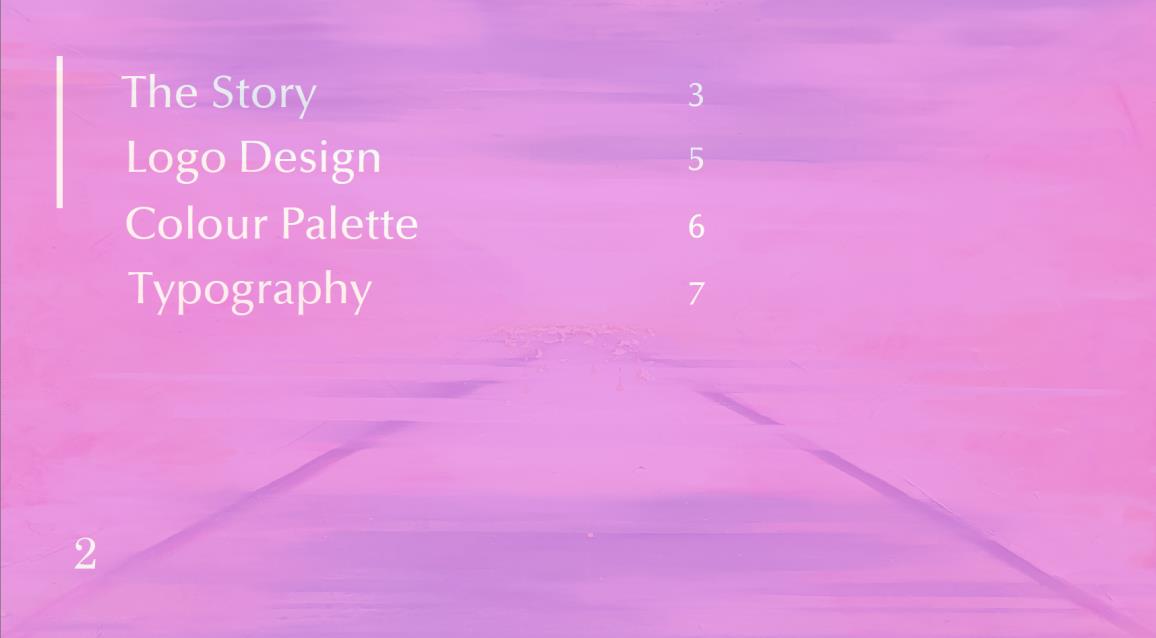
It was also my responsibility to design the visual part and the final shape of the Brand Guide and Content Strategy documents. As the brand guide was done earlier, before the final style was settled on, it had to go through a makeover which resulted in another iteration. Some of the changes implemented on the visual aspects are visible below.
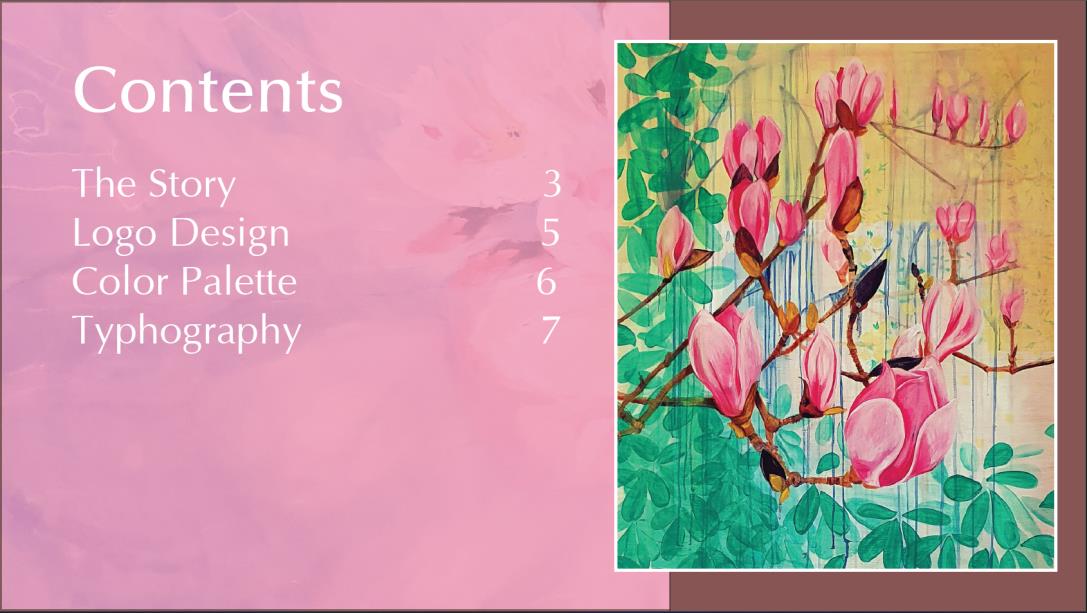
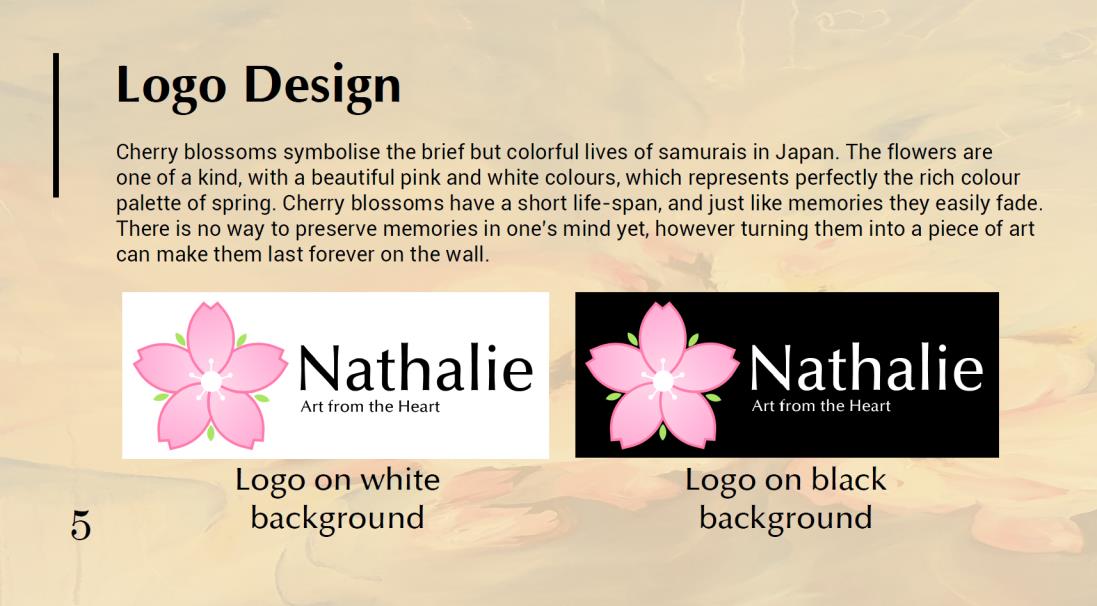
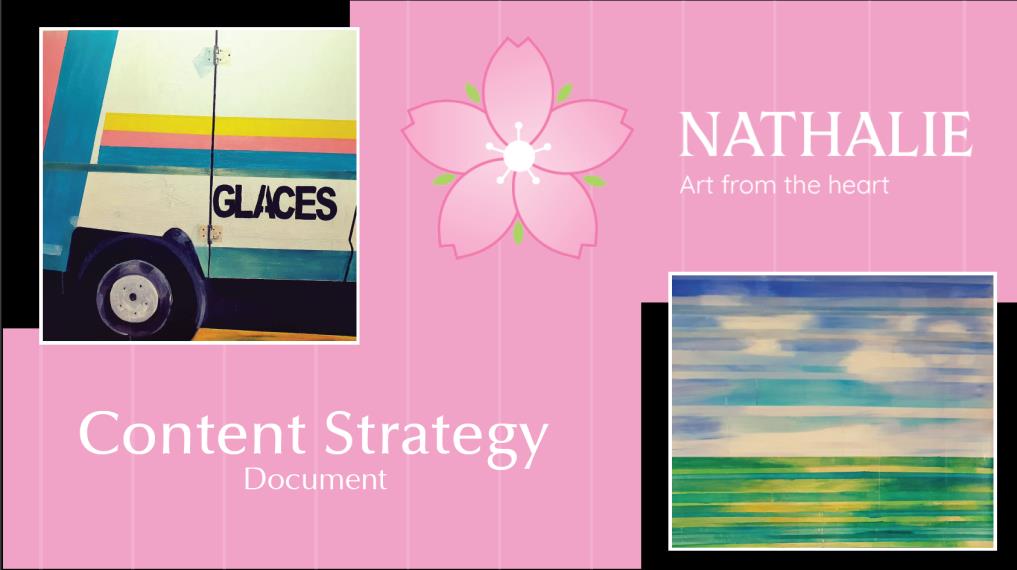
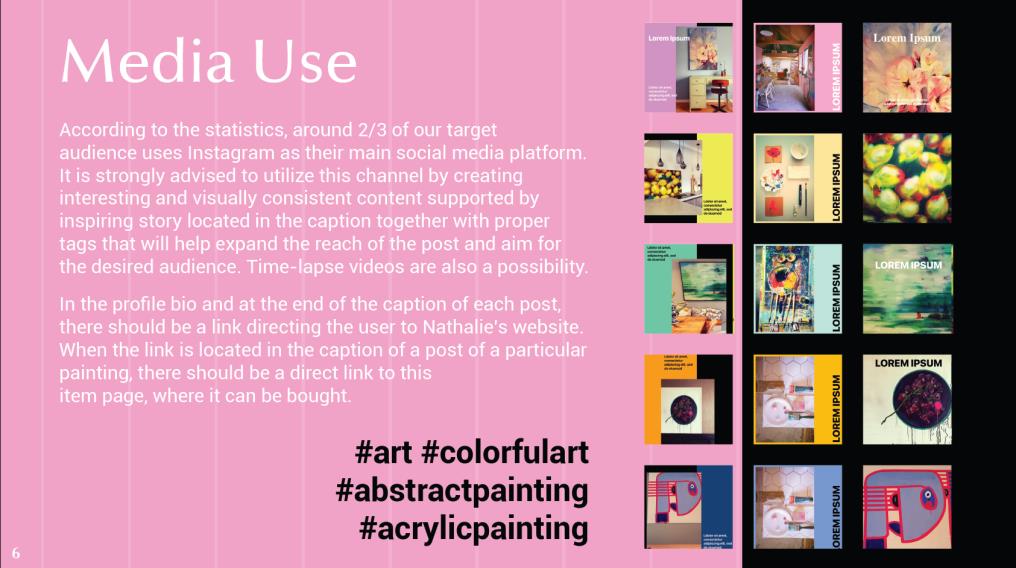
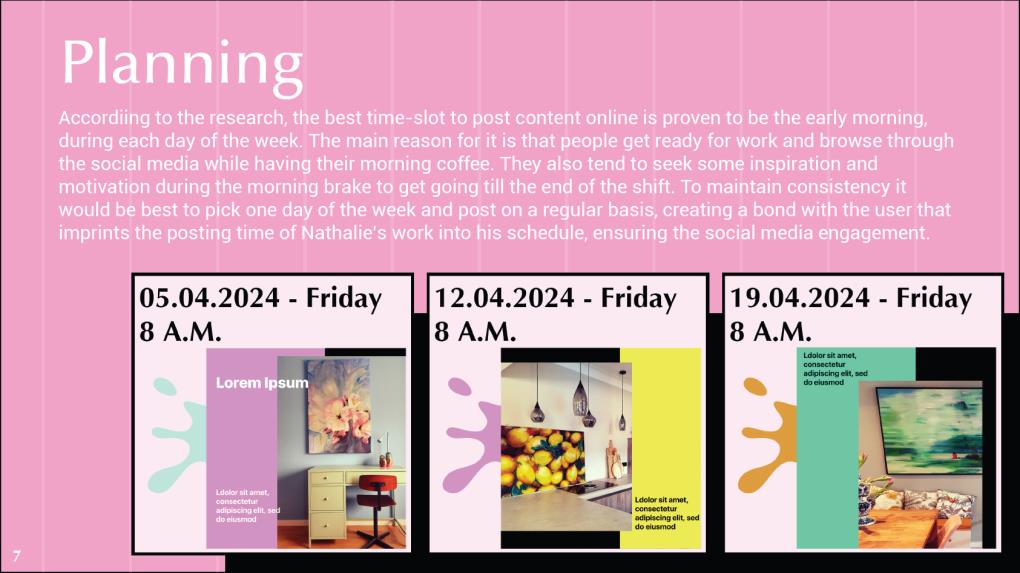
Here are also some parts of the content strategy document which was designed in a similar way to the branding guide pdf. It was supposed to mimic the look of the website prototype that was designed by my colleague.
Since the client did not think of any brand narrative and brand values before, the style of the brand is something that the group had to invent based on the small amount of hints that Nathalie provided. For the first iterations, the only known requirements or rather suggestions that the design was based on were: pastel color palette and blossom in the logo. Since the Adobe Illustrator tool was not that familiar to me at the begining, I make my iterations in Photoshop, in which I had a greater experience. The fact that each team member had their own idea for the design, gave Nathalie a wide range of iterations she could choose from.
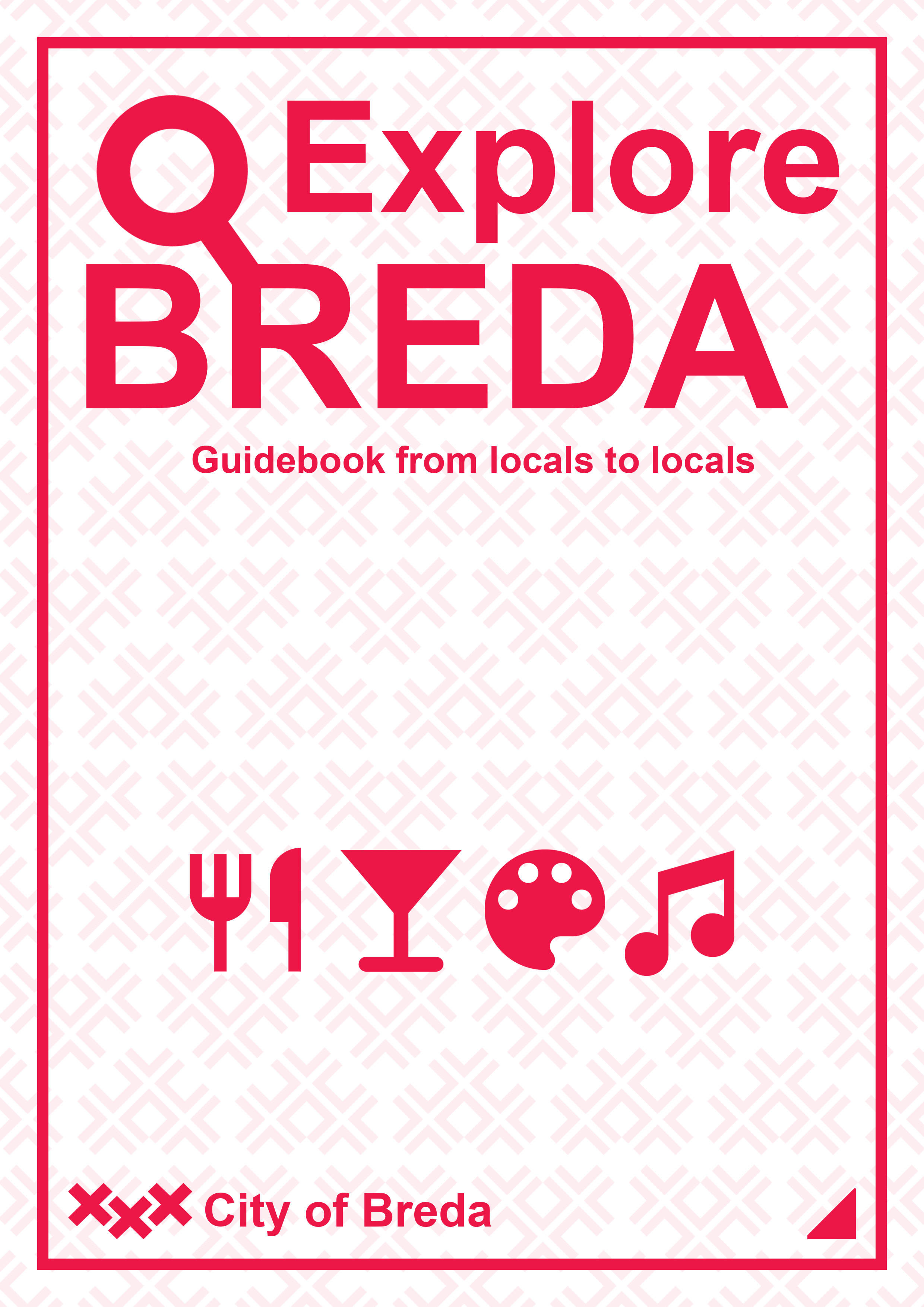
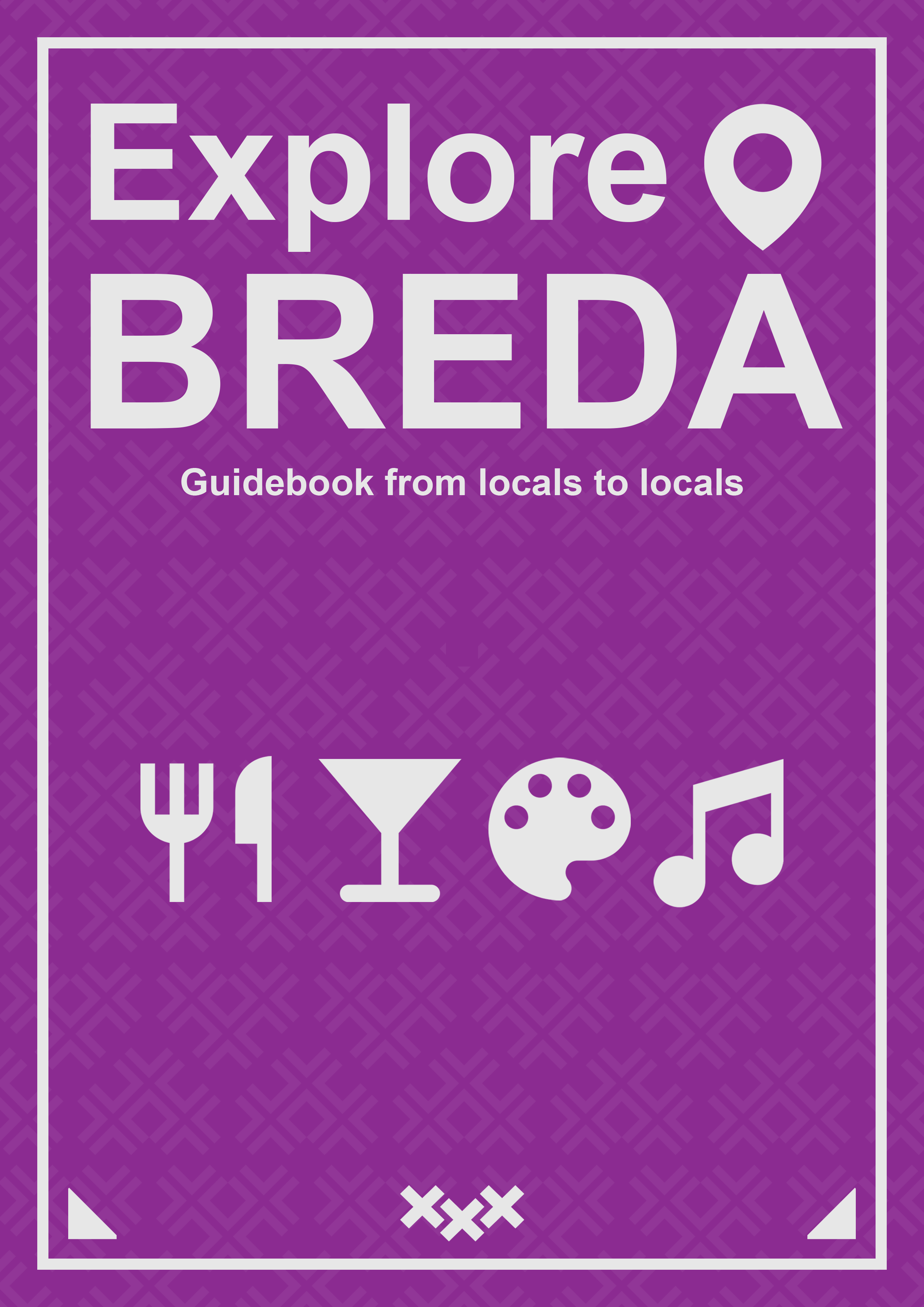
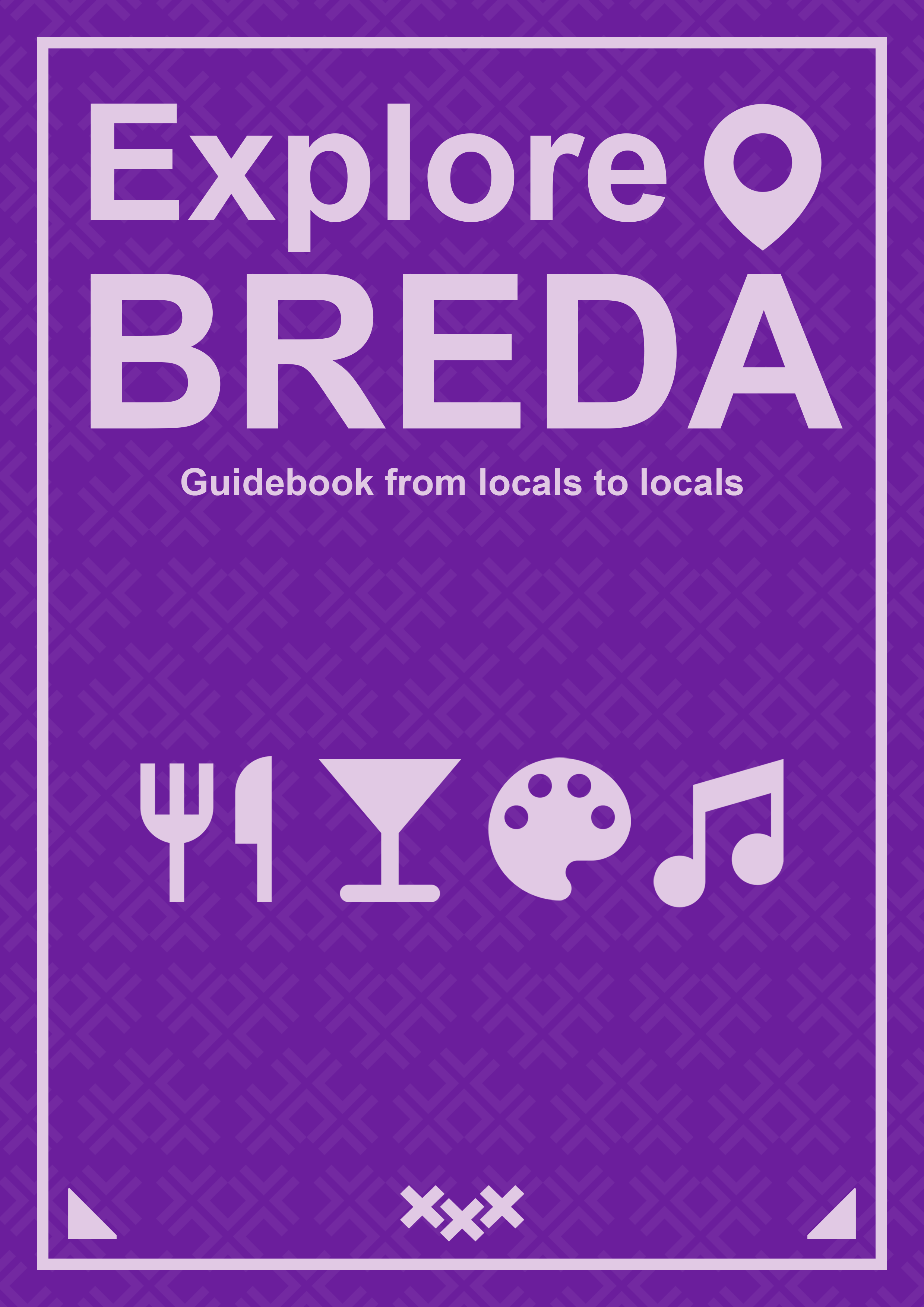
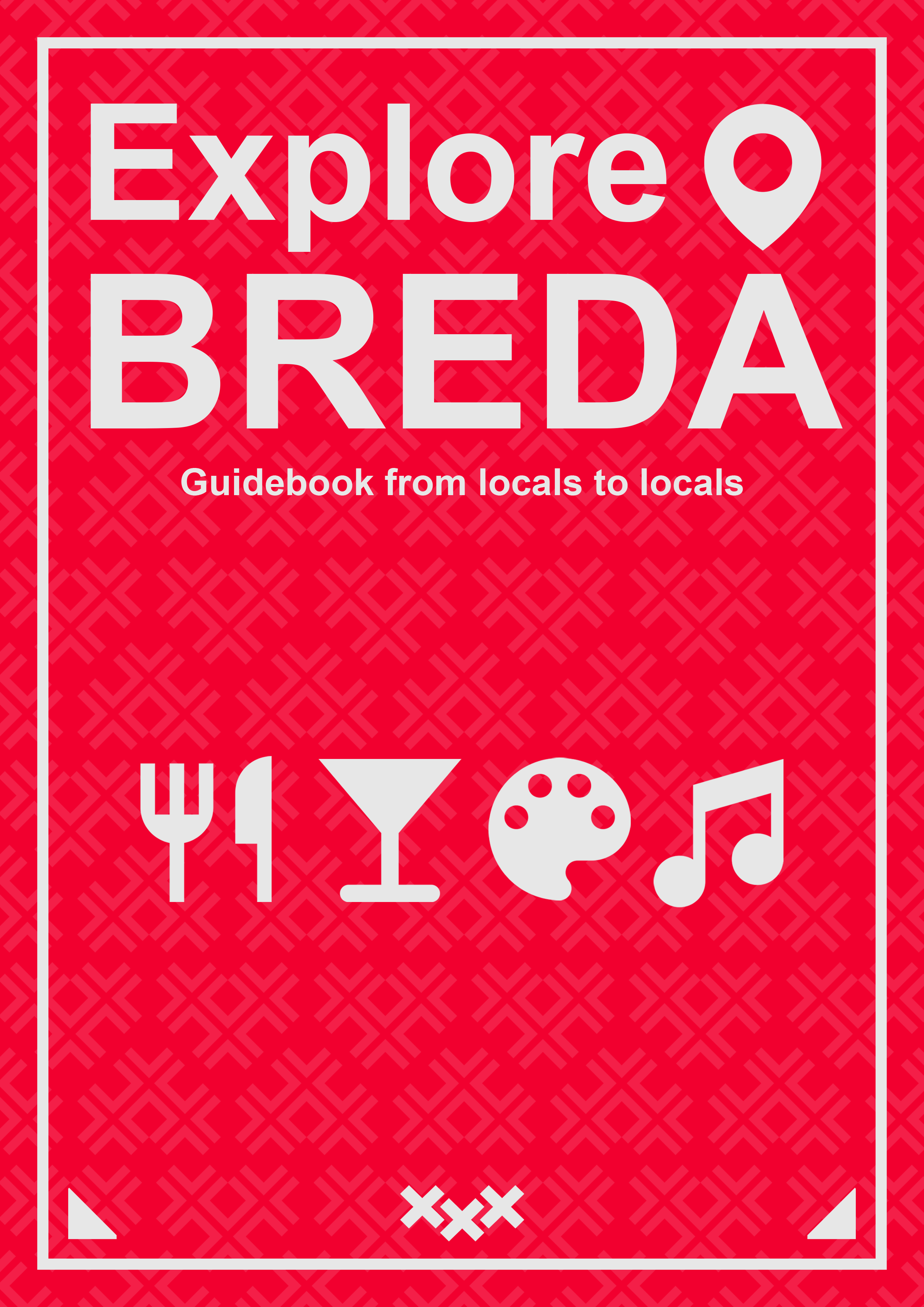
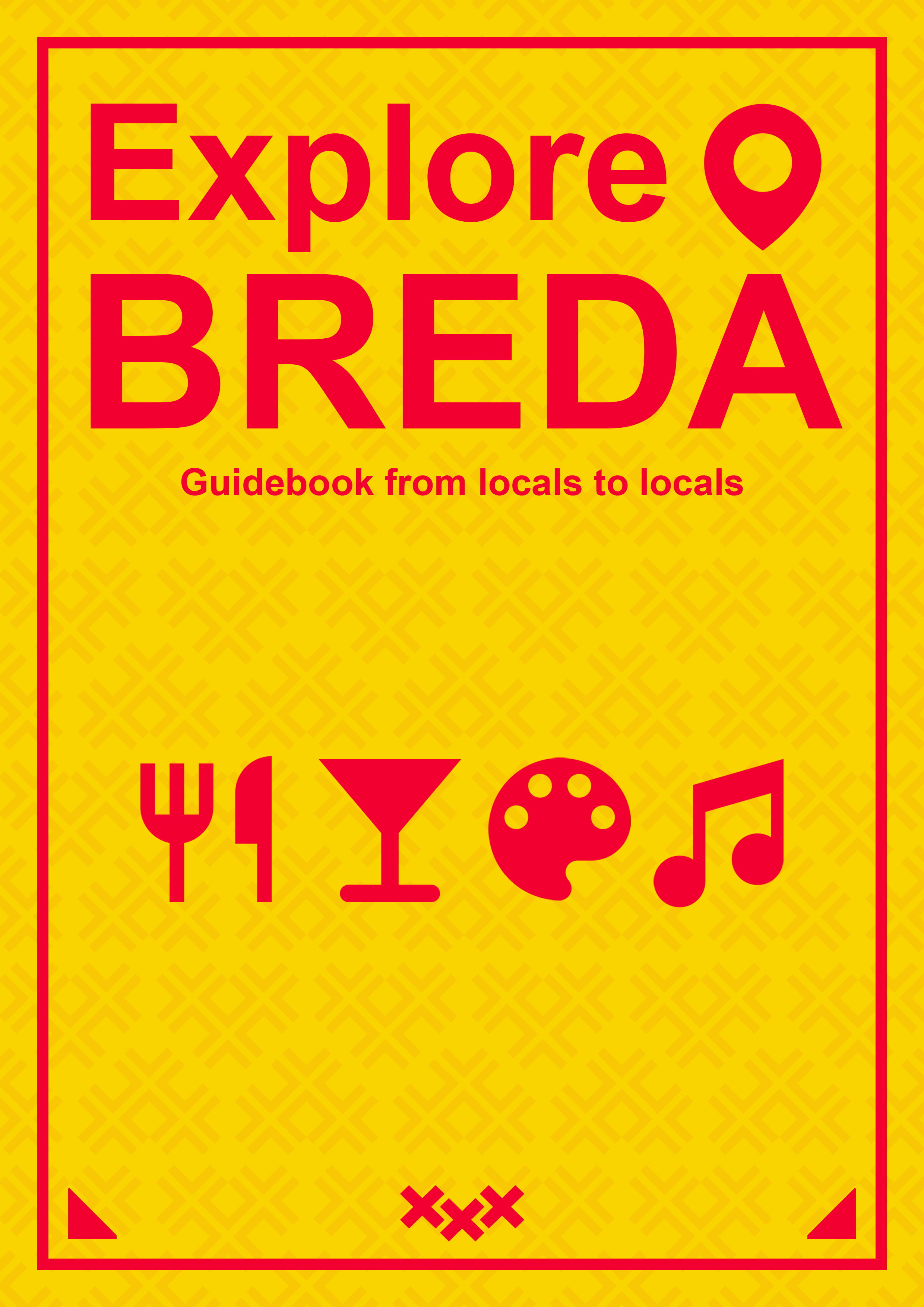
I went through the process of several iterations for the guidebook cover. After completing each version I asked for feedback and acted on it accordingly. At first my main focus was on the page layout and when that was settled I continued with the colors. Below I present my first iteration and the final outcome with several color variants that were shown to the client.
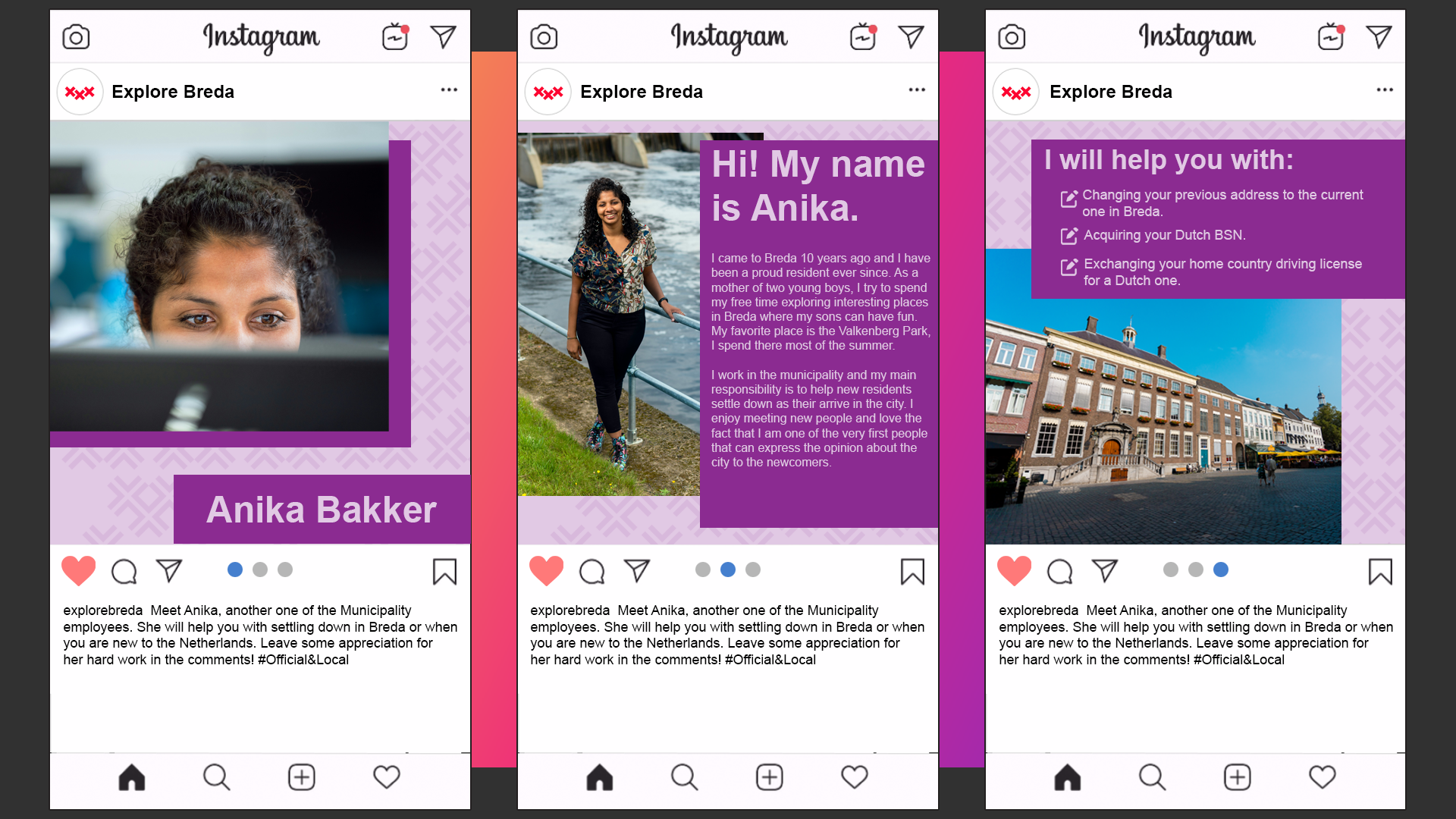
One of the ideas that the team agreed to implement in the marketing ideas was making social media posts that promote the niche places in the city but also show some town residents. Inspired by the Eindhoven’s social media posts about the locals the idea “Official&Local” was born which combines a nice recommendation of places in the city and some practical information about the municipality employees and official business. In order to make the idea more visual, I created some mockups of the social media posts (in this case Instagram).
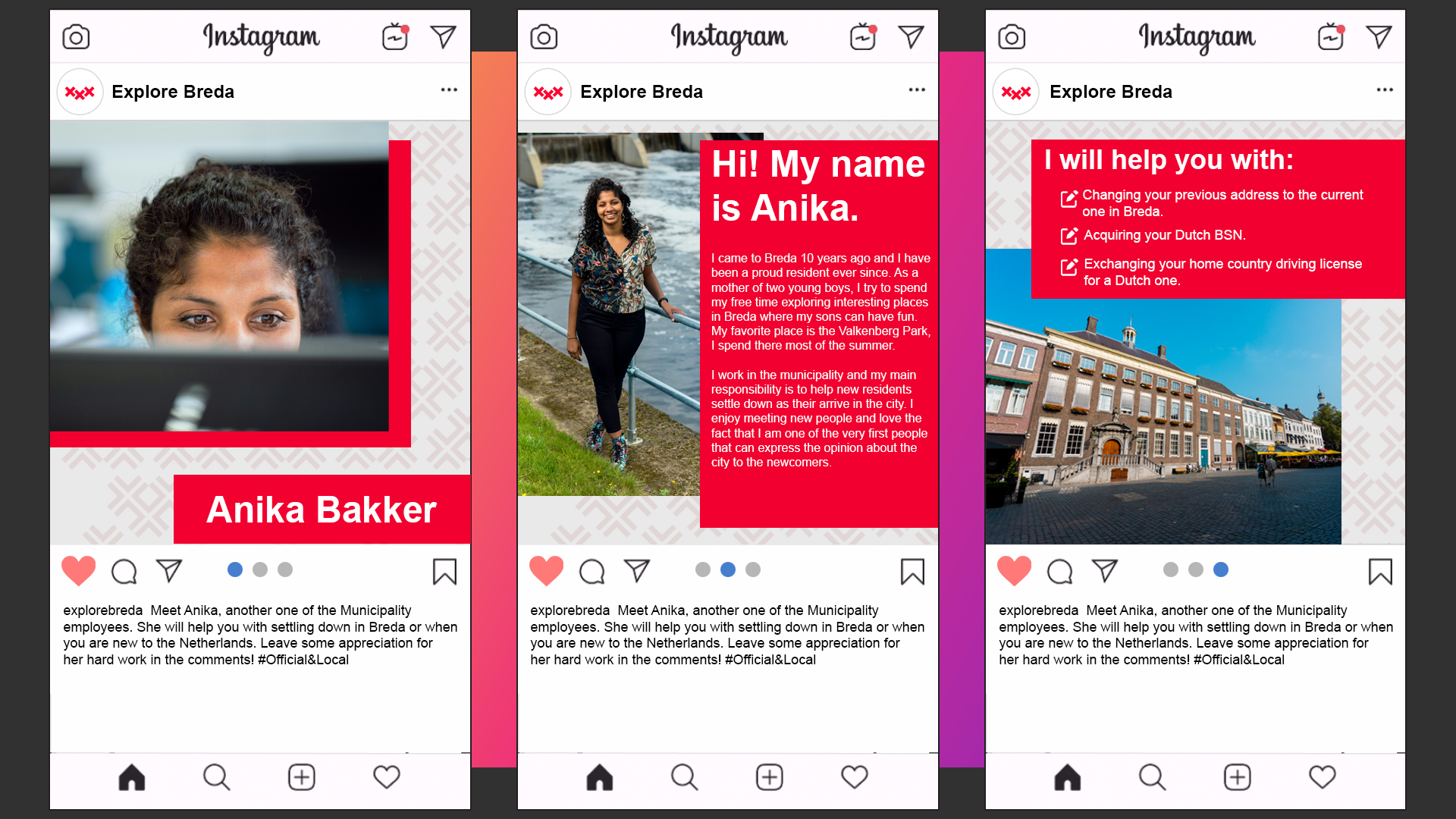
Unfortunately, the communication with the client was hard, since the questions asked through email were hardly answered and with a significant waiting time when the feedback actually happened. It negatively influenced the design process. The main remark that the team received during the final presentation was that the design throughout the elements of our media campaign was not visually consistent and it is a crutial part of the final outcome. I learned that it is important to start from some very basic iterations and ask feedback on them, as presenting people with very advanced design is less efficient in early stages of the process.
As a part of the group’s concept for the website, it was decided that the users contribution level must be visually represented. In order to give the user the sense of reward and progress we came up with the idea for the badges that can be acquired by fulfilling particular tasks and gaining points. I was assigned to make the design for the badges, and since I wanted to get more familiar with the Illustrator software, I was happy to do so. I based the design on well known video game ranks that the player gains when finishing the competitive matches with other players. Starting from the bronze, then silver, gold and ending on a diamond rank. Here is the result I came up with:

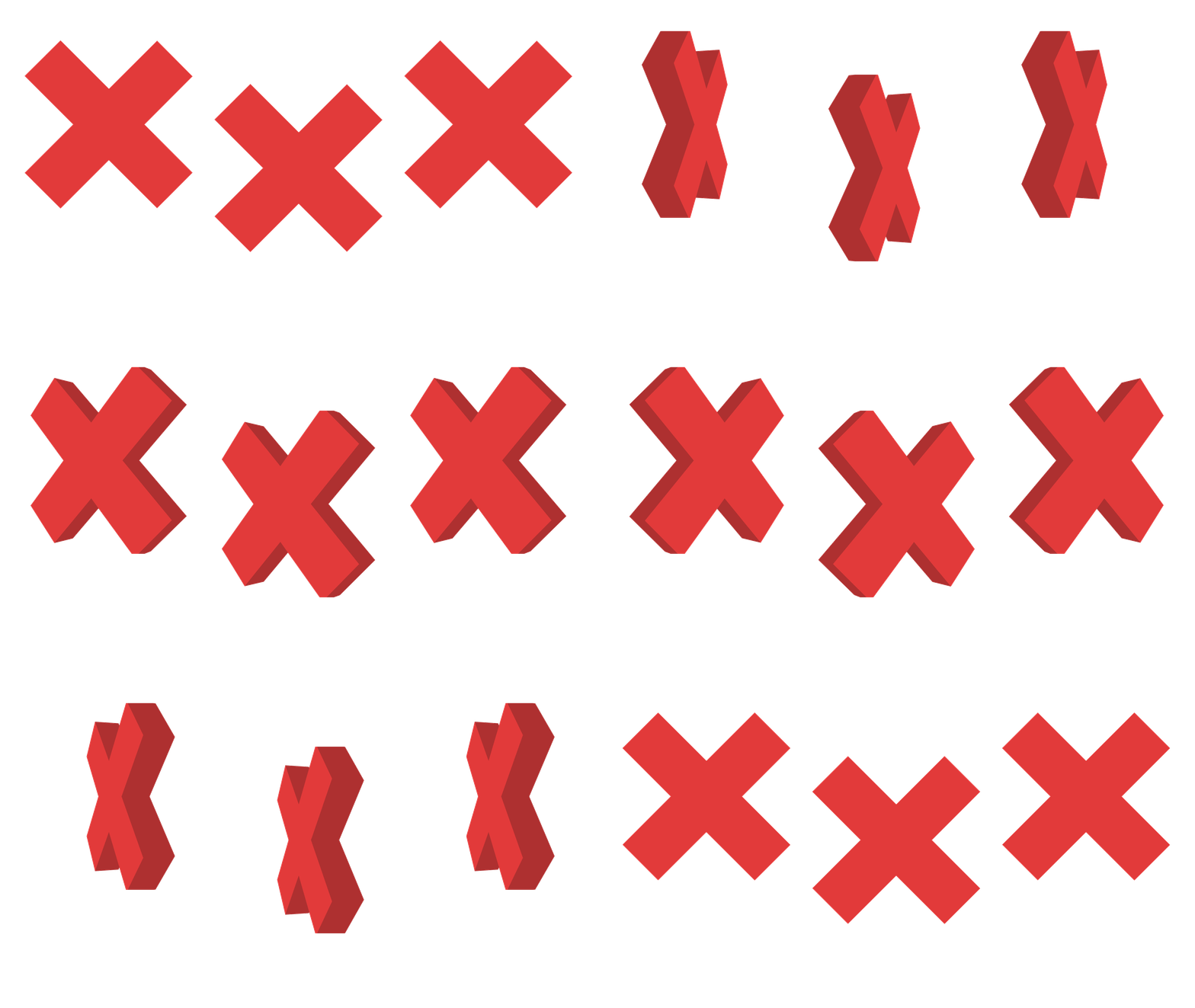
As part of the pop-up message that we implemented into our website, I wanted to make an short animation that would represent the logo of the city in 3D, rotating around the vertical axis of each element. By following tutorials of 3D elements in After Effects and then converting them into gifs by using layers and timeline in Photoshop I ended up with a nice animation.
I am not that familiar with the Illustrator software, it works a lot differently than Photoshop with which I have the biggest experience. However, I can already confirm that for making detailed visual elements it is the most useful tool and I am looking forward to learn more about it. What is more, I was using the After Effects tool for the first time so I found it difficult to navigate the software and make the desired result. Fortunately, I found a couple of tutorials that helped me with the process.
As the base for all other elements, the proper logo design process was crutial to the success of the project. I started with some basic pen and paper sketches that provided some options for the client. There were 9 of them and I was advised to limit the choice for the client in the future by making an initial selection by myself. The more advanced versions of the logos my client liked the most were made in Adobe Illustrator and the results are shown in the images below as well as the final product.
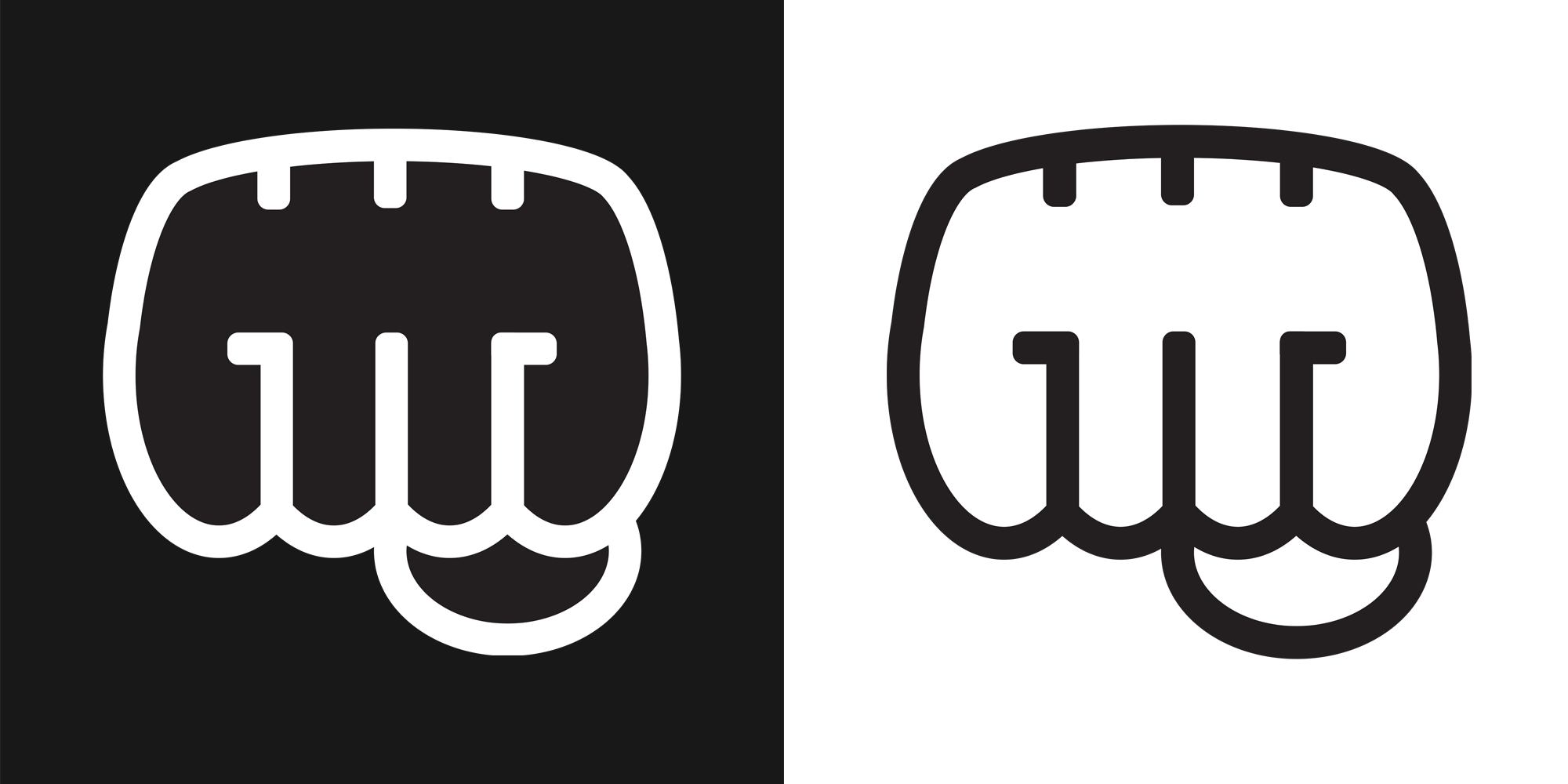
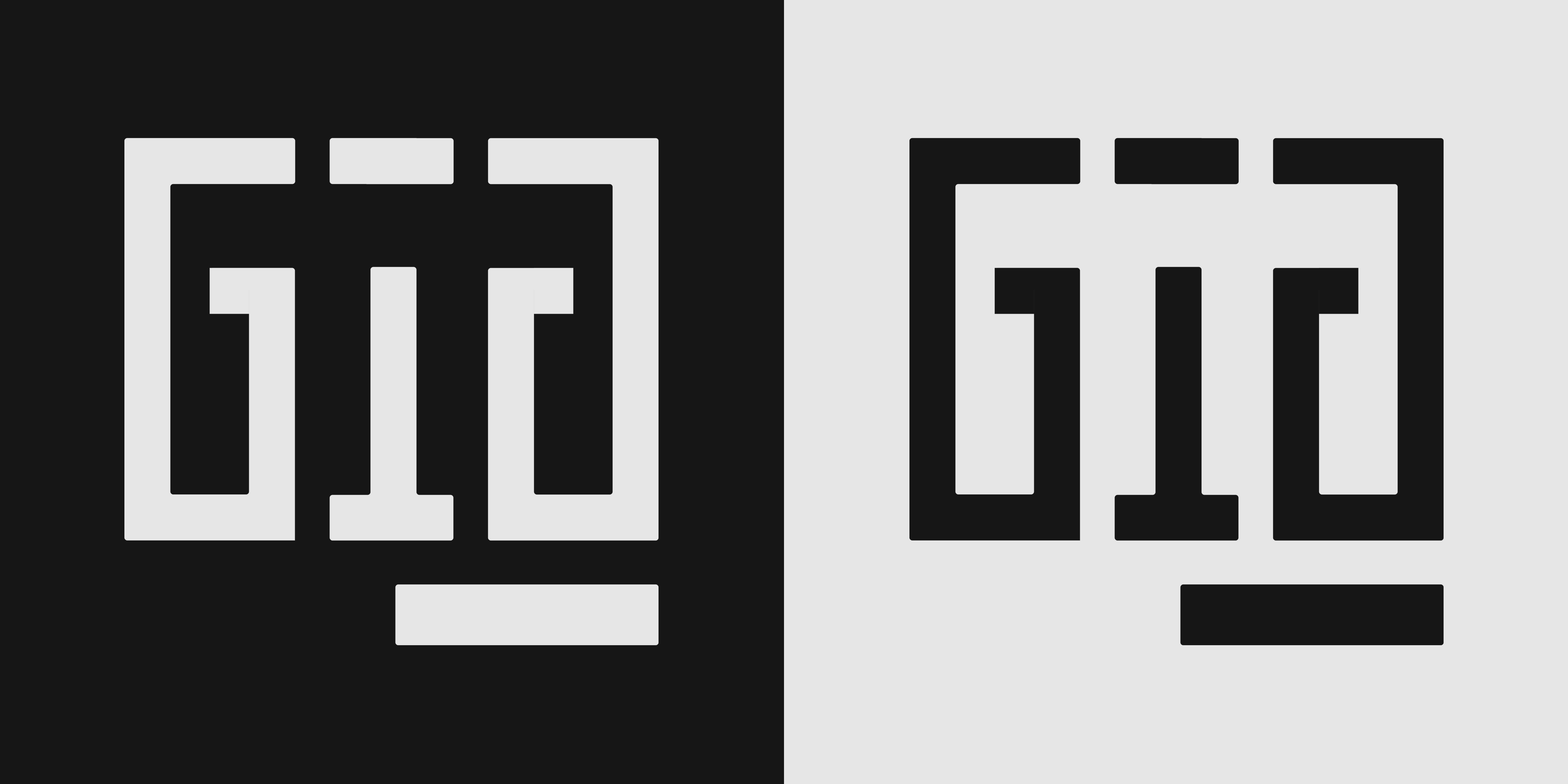
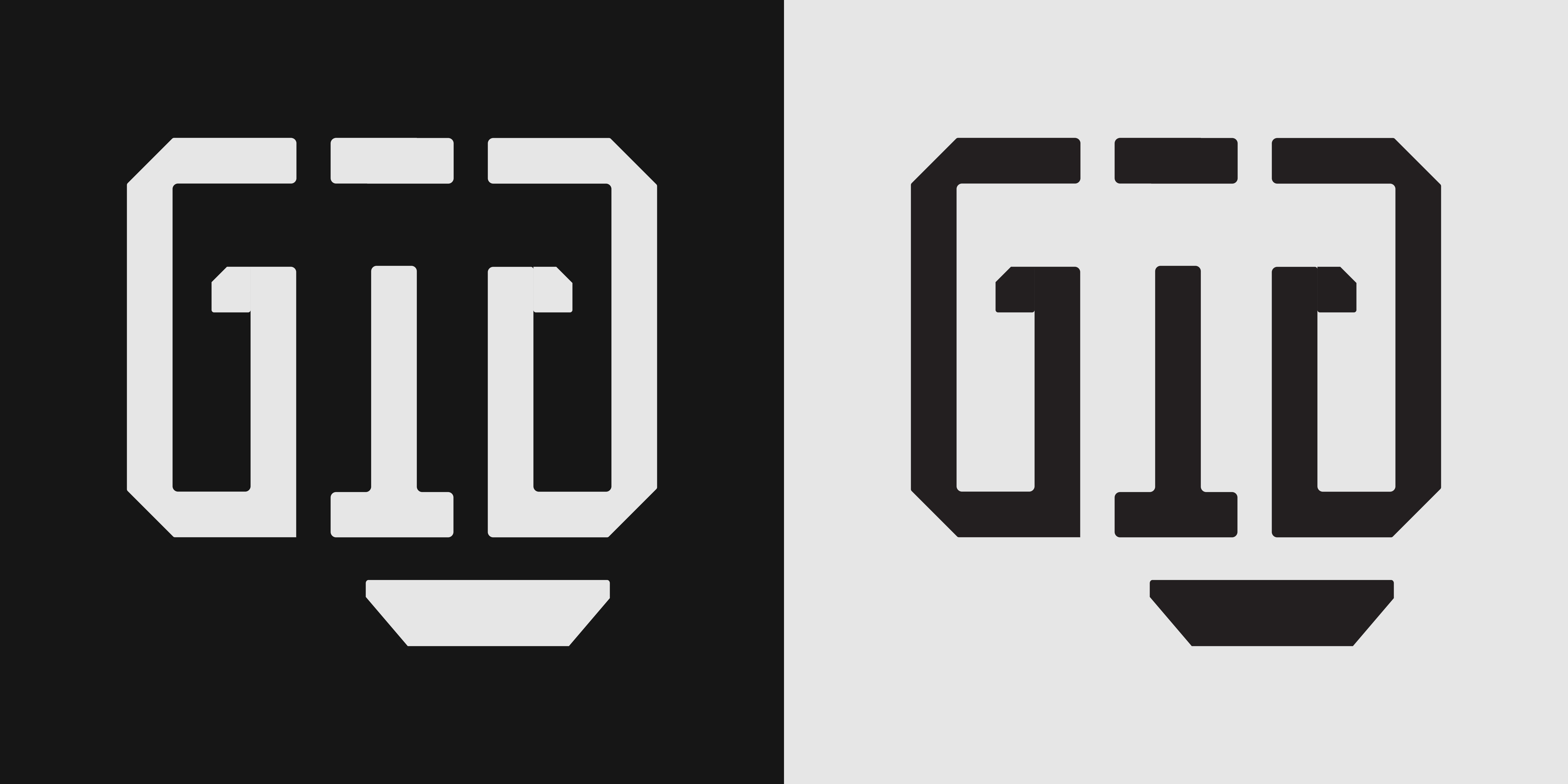
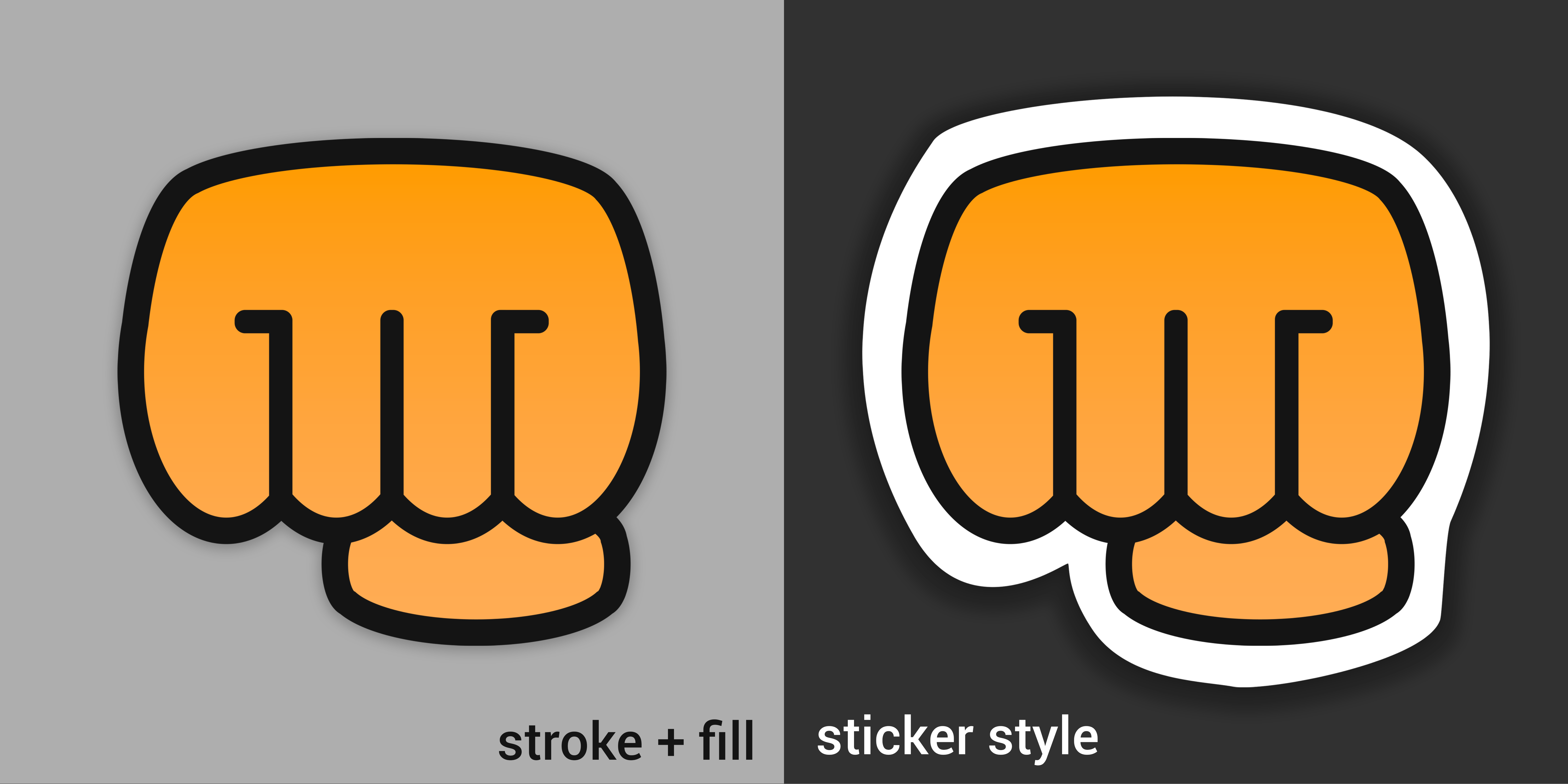
The info panels are static elements that are placed on the Twitch channel. Their design can be various, as proved by the panels designs that can be found on many streamers' channels. I started with a couple of simpler propositions in order to gain an insight what the client would like the most. When I received some feedback on my work I was able to create more advanced iterations and then was able to come up with the final product. Here are some designs I worked on.

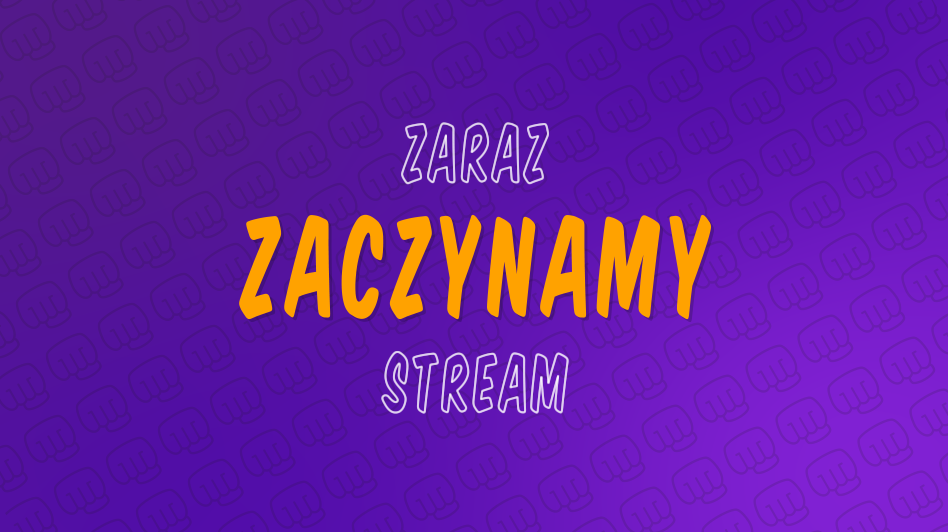
To create the scenes that were supposed to be put on the stream I had to watch many tutorials that helped me make the desired outcome in Adobe After Effects. I wanted to design several scenes for "Starting Soon", "Be right back" and "Stream Ending". I went through several iterations, adding elements and adjusting them to the client's recommendations. The very base of the design idea was the gradient background with a dynamic pattern that incorporated the channel's new logo. Here are some iterations alongside with the final outcome for the "Starting Soon" scene.
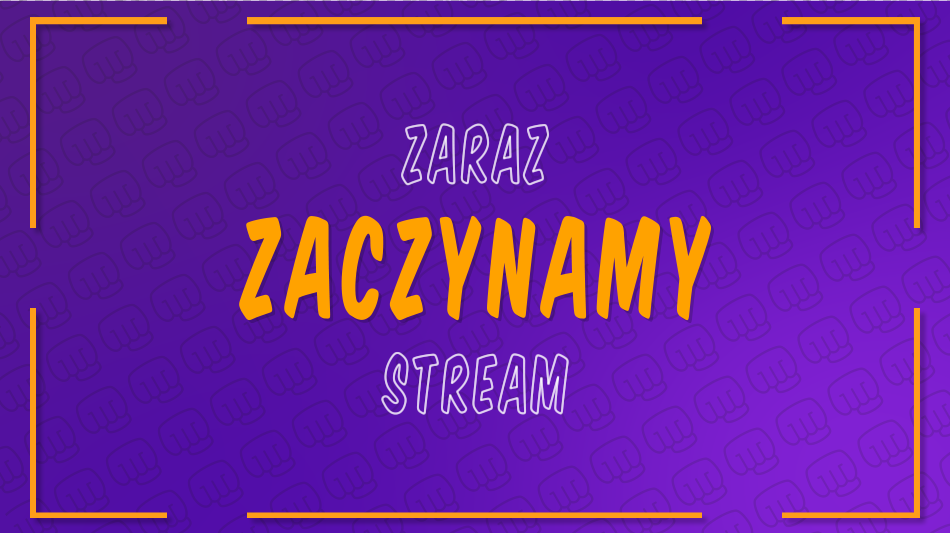
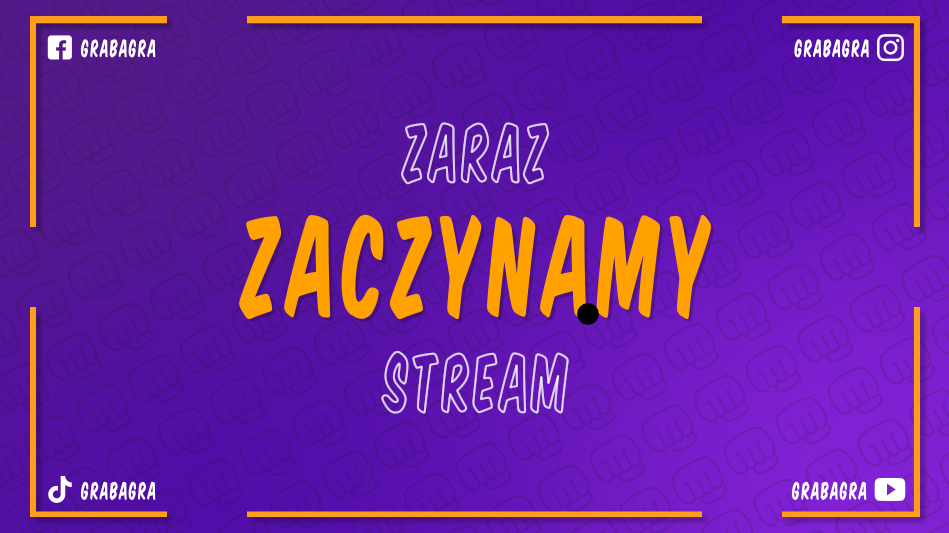

The biggest downside of the design process was the communication with the client, since he could not really tell me what exactly he aims for with the new design. That is why I ended up with many iterations that I spent hours working on which did not contribute that much to the final outcome. What is more, since I worked during the mornings and rested in the afternoon I was not able to quickly implement changes from the feedback as my client's working hours are usually from 9pm to 3am and he wakes up in the afternoon. On the bright side, I was able to work more with Adobe Illustator and After Effects which will prove handy in my future projects.
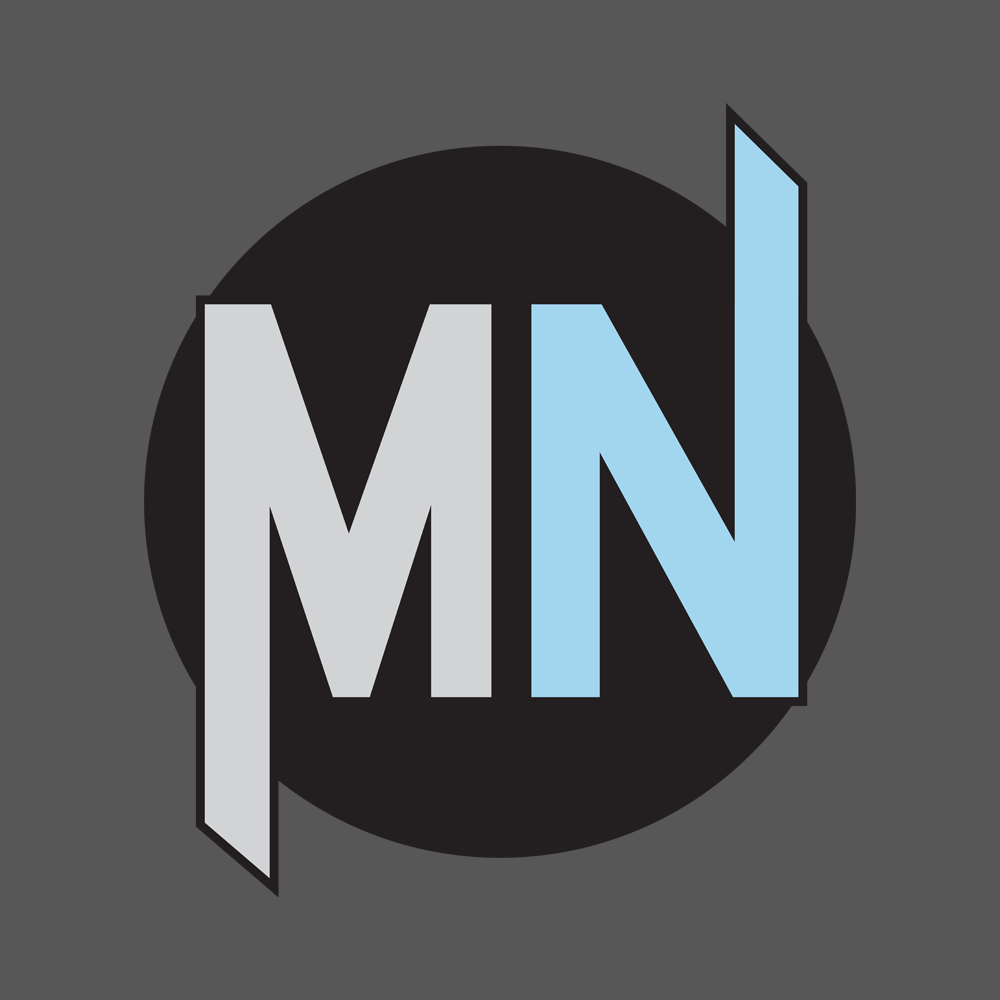
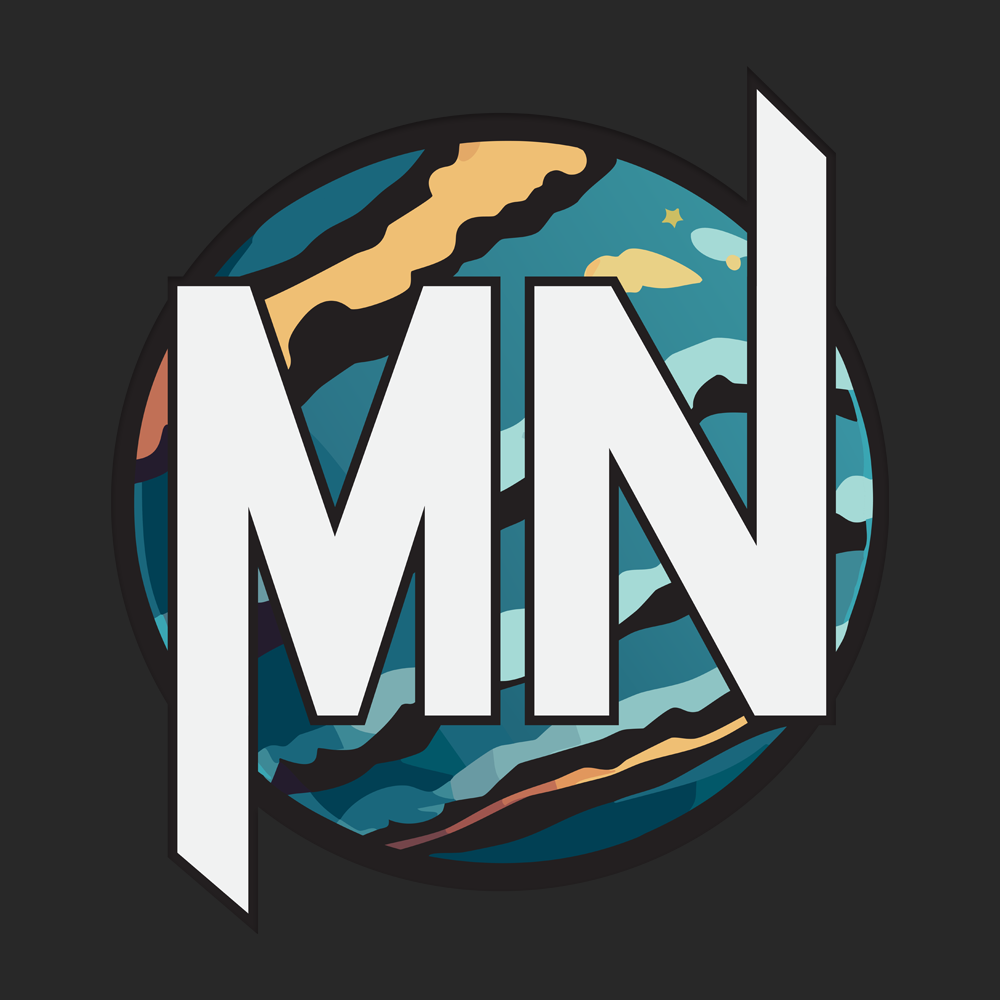
I wanted to create a logo that I will use in my portfolio and that I could continue using as I start making the base for my future brand. I wanted to incorporate my initials in the design and looked up many logos that used similar idea. I also wanted to base it on a circle background that will contribute to more scifi vibe of the logo as I am a big fan of futuristic style. Upon settling on the design idea of my liking I made an initial iteration, than after receiving some feedback from the teacher along the way, I ended up with the final product that I am satisfied with.
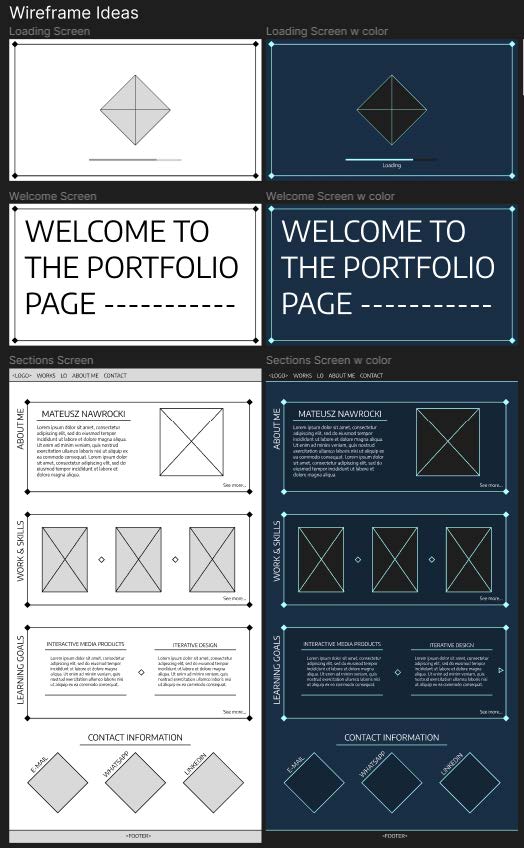
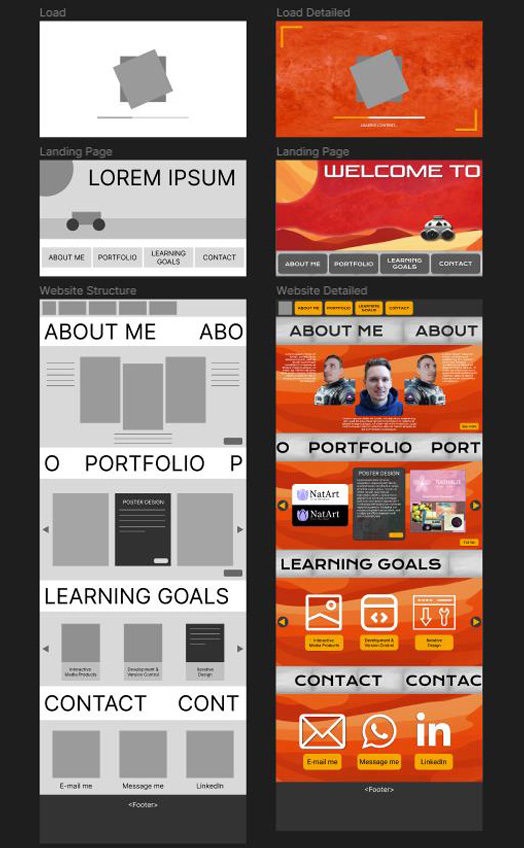
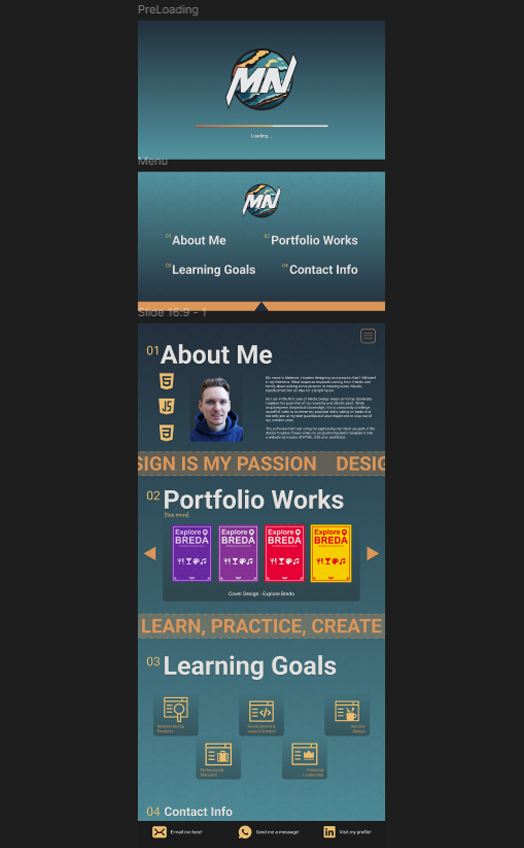
It took me a while to come up with the desired structure of my portfolio, making some pen and paper sketches that I would be a base for more advanced prototypes and eventually the final design. Even though I was sure about the structure I struggled with coming up with the design that I fully liked. I wanted my protfolio to have some dynamic elements, modern style and was easy to navigate. Here are some iterations that I made in the more advanced stages of the prototyping process.
It was fun to design the logo for myself as I had an attempt on it in the previous semester but my skills were not there yet. Working on it helped me gain more experience in Adobe Illustrator which proved essential in designing such a creative and unique image with the best quality. It also gave me a better insights on the designing process, starting from scratch and asking for feedback people with the bigger experience in designing.